
Vertigo
IT IS HEAVILY RECOMMENDED TO PLAY THROUGH THE EXECUTABLE INSTEAD OF THE BROWSER. Some features and timings in-game are only available through the executable version.
Tutorial
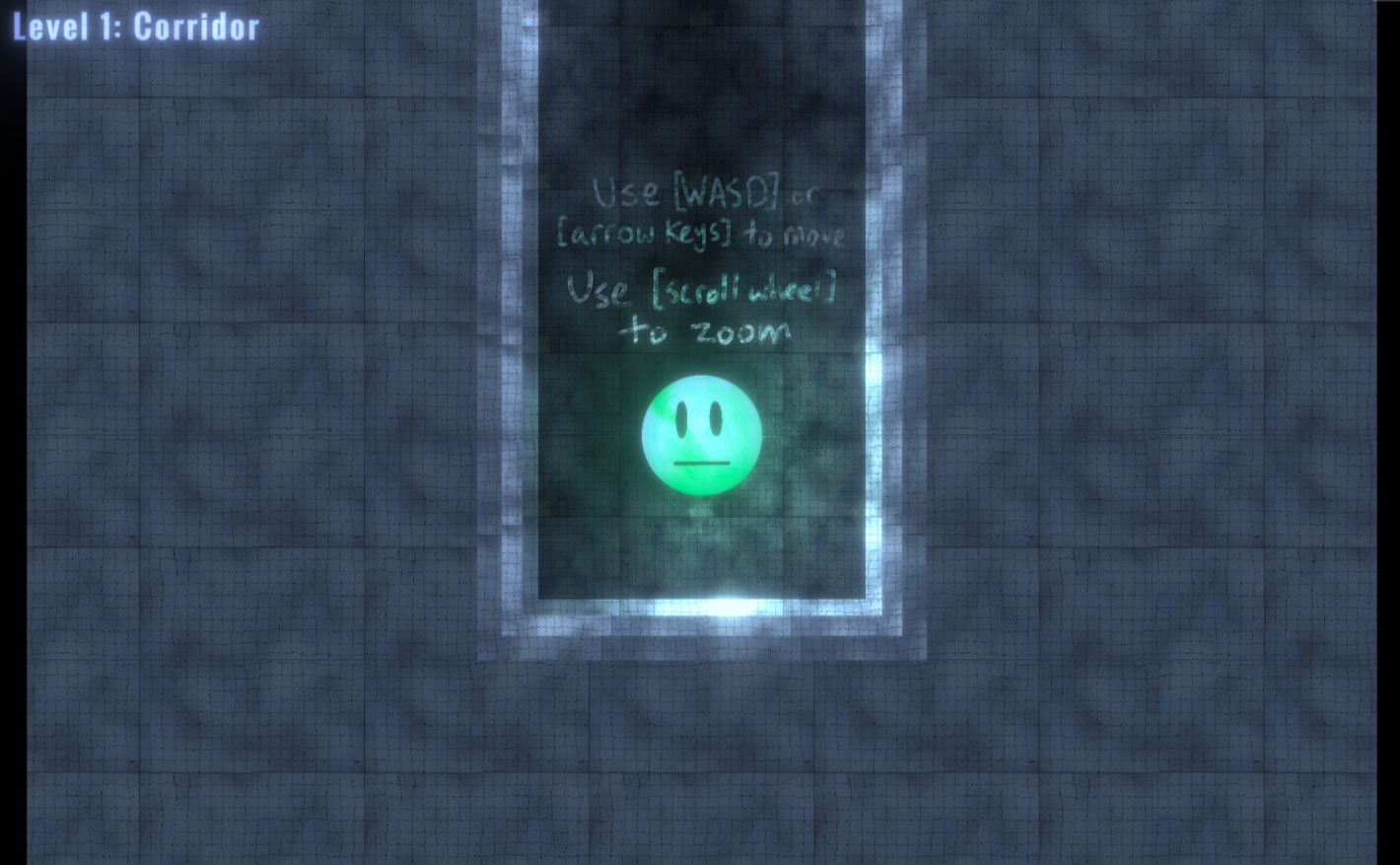
Tap [WASD] or [Arrow Keys] once to change the direction of gravity and move (no need to hold).
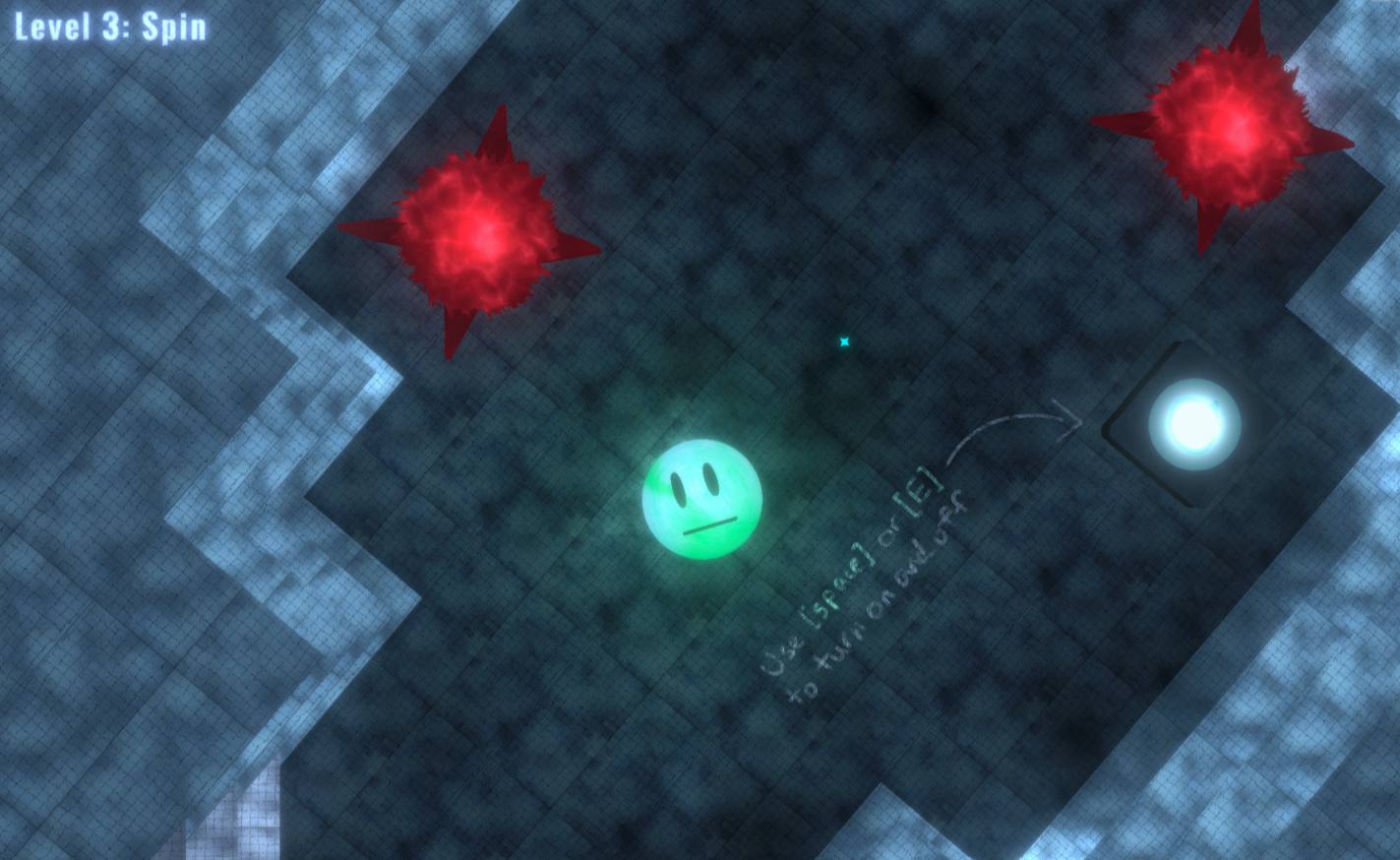
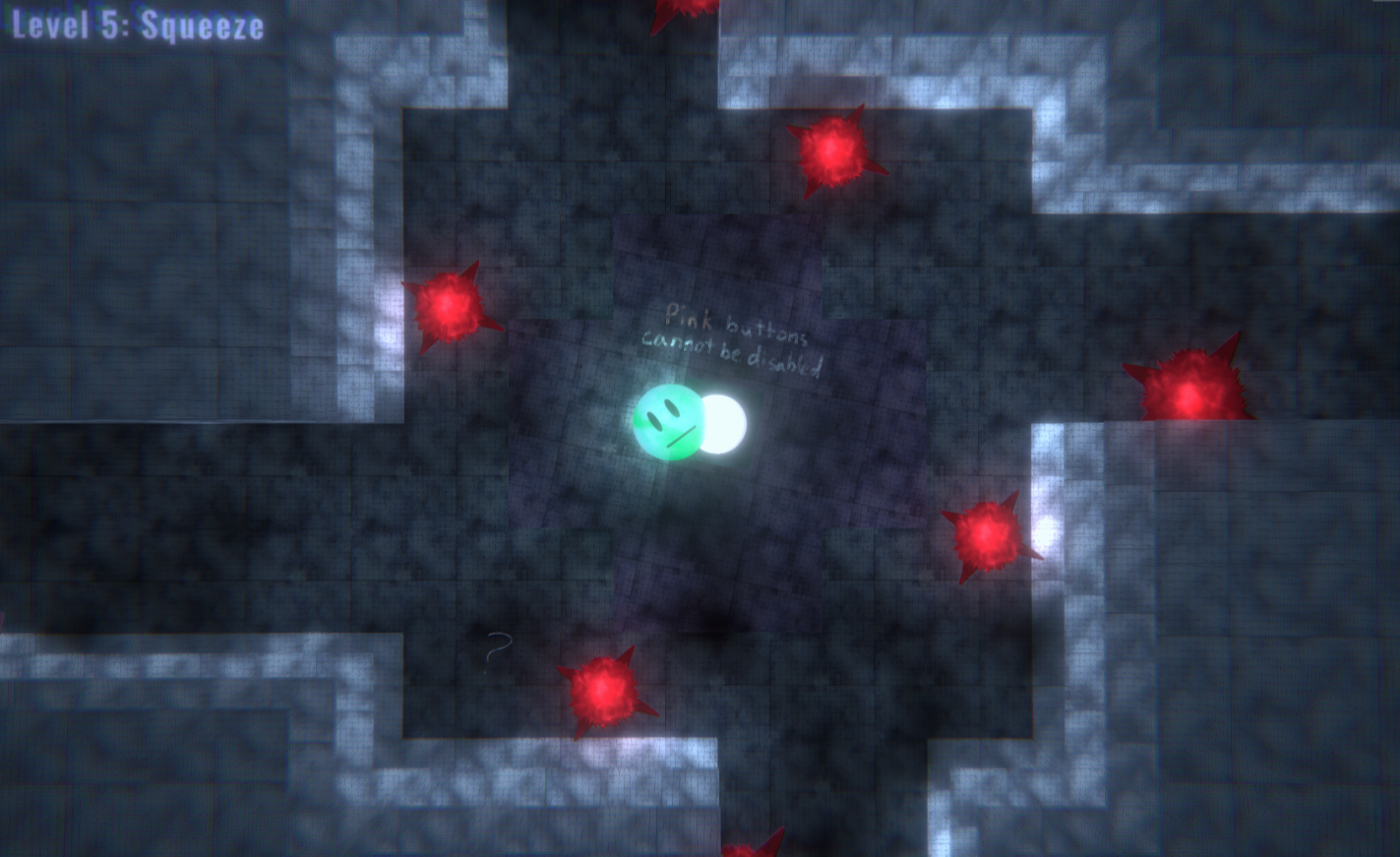
Use [Space] or [E] to press buttons. Blue buttons can be turned on and off, while pink buttons cannot be disabled.
Use your [Scroll Wheel] to zoom in and out.
There are 6 levels in total, good luck!
Credits
This game was created in Unity. All sound effects are from Freesound by the Freesound Community. All music, art, and design are my own. Special thanks to Juniper Dev and The Very Serious Juniper Dev Game Jam for giving me this opportunity.
Bugfixes
After the contest deadline, participants were given a 24-hour leeway to fix any bugs. The version played in the browser and the first downloadable link show the bug-fixed game, while the zip files marked as OLD showcase the game prior to any bug fixing. The OLD zip files are here in case you want to do a proper comparison.
Download
Install instructions
The first download link is the bug-fixed executable for Windows. The other two links are a prior version of the game. All instances of the game uploaded to this website fall within the bounds of the time constraints of The Very Serious Juniper Dev Game Jam.
To run and install the game, first download and unzip the chosen zip file, and then run the executable or the HTML file.
Comments
Log in with itch.io to leave a comment.
Me gusta!
This is a lot of fun! Nice page, too. Very well-designed. I like the gravity controls, and especially the ability to spin certain rooms. Fun visual style. i wish that space bound to the restart button to so I could play easier left-handed only.